Free
Free

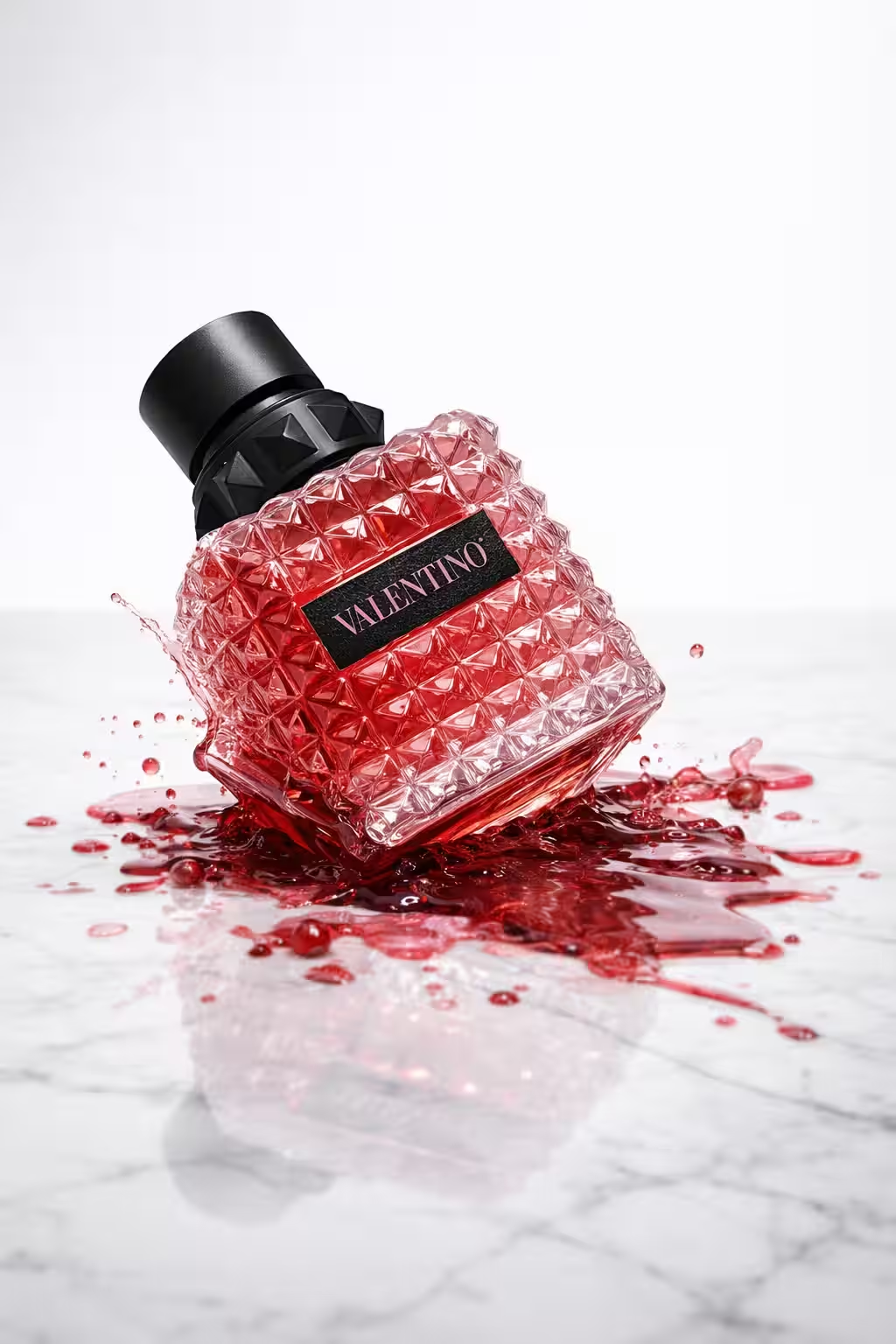
Frozen Motion

The Prompt:

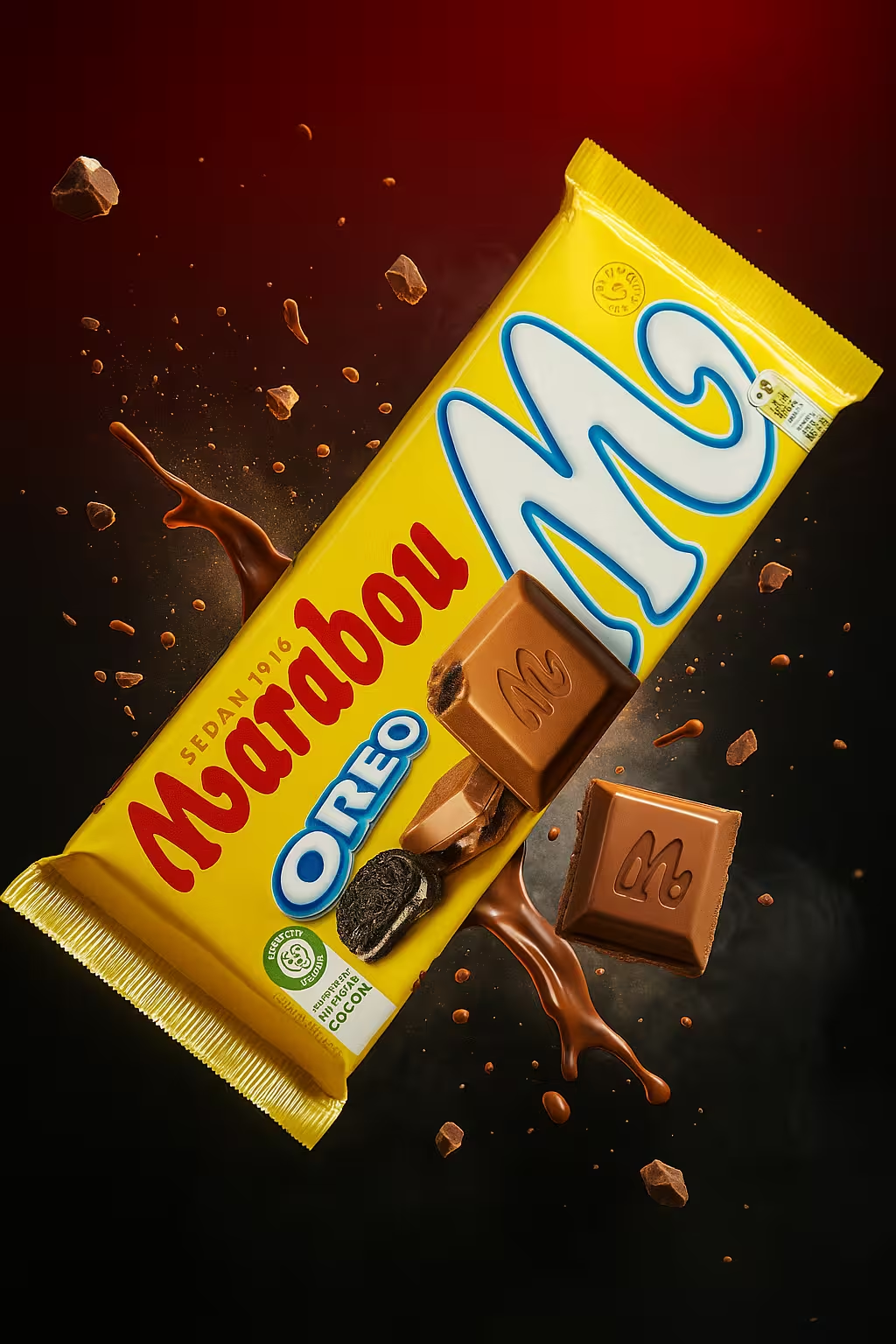
Create an ultra-realistic 4K 9:16 image featuring the inserted product displayed exactly as it exists in real life, with completely accurate shape, size, proportions, colors, materials, and textures. Every printed or embossed element such as text, logos, icons, and barcodes must remain perfectly sharp, correctly spelled, and naturally integrated into the product surface. Position the product diagonally across the center of the frame, surrounded by dynamic splashes and floating fragments of its own material that burst outward in midair, creating an energetic and cinematic composition. Use a deep gradient background that transitions from vivid red at the top to black and smoky gray at the bottom, maintaining a high-contrast atmosphere. Illuminate the scene with strong, directional light from the upper front area to cast bright highlights and soft natural shadows around the product and fragments. Ensure realistic reflections, fine particle details, and smooth transitions of light and shadow across all surfaces. The final image must feel bold, premium, and true-to-life, capturing the exact realism, contrast, and visual depth of a professional studio product explosion photo.

Copy prompt
Prompt Pack ✨

Description:

A cinematic visual suspended in time — energy frozen at the peak of impact. The composition captures movement, light, and fragments in perfect equilibrium, blending chaos and beauty into a single frame. With soft contrasts and glowing depth, it turns raw motion into something sculptural and refined.

Tips when using this prompt in ChatGPT:

For best results: Use a well-lit product photo with no background. Make sure the full product is visible, not cropped, and that logos and text are sharp and easy to read.
⚠️ If the result doesn’t look right:
● Try using a higher-resolution image.
● Avoid dark, blurry, or tilted photos.
● Center the product more in your original photo.
● Adjust the prompt’s background tone, lighting, or reflections to better match your vision.
Want to change the size from 1:1 square format?
Just replace the phrase 1:1 square format in the prompt with one of these depending on where you’re posting:
● Instagram Post (Feed): 1:1 portrait format.
● Instagram Story: 9:16 vertical format.
● TikTok Video Cover: 9:16 vertical format.
● Facebook Post: 1.91:1 landscape format.
● Pinterest Pin: 2:3 portrait format.
● Website Banner: 16:9 wide format.

Discover more prompts

Free
Free

Velvet Proposal

Free
Free

Luxury Pendant

Free
Free

United by Scent

Free
Free

Luxury in Motion

Free
Free

Golden Maple

Free
Free

Winter Grace

Free
Free

Crunch Burst

Free
Free

Snowglobe Warmth

Send us a message
We cannot wait to hear from you!
Hey! This is Iman from Flowfy, drop us a message below and we will get back to you asap :)
Thank you! We have received your message. We are looking into this as we speak and will get back to you as soon as possible.
Oops! Something went wrong while submitting the form.