Free
Free

Water Droplets Effect Prompt for Cosmetics

The Prompt:

Create a high-end, cinematic product photo of [INSERT PRODUCT] standing upright and fully centered in the frame 9:16. The product must remain completely untouched — preserve all original text, logo, shape, material, and color.💧 Surface & Water Effects • Cover the product with fine, realistic water droplets to simulate condensation, as if it has just been taken out of a fridge. • Place the product on a slightly wet, glossy surface with visible water drops and splash reflections that subtly mirror the product’s actual color.🖼️ Background & Contrast • Use a minimalist background that dynamically adjusts in brightness to contrast well with the product’s color: • For dark products, use a deep gray or soft gradient light background. • For light or bright products, use a matte black or dark background. • Avoid patterns or clutter — keep the focus on the product.💡 Lighting & Shadows • Apply dramatic, soft lighting from the top-right or front-right direction. • Emphasize the shape, texture, and droplets without creating harsh reflections. • Use gentle shadows around the base and backside of the product to create depth while maintaining a clean silhouette.🎨 Style & Mood • Keep the image high-contrast and minimalist with a luxurious, editorial look. • The scene should feel cold, premium, and focused — like a fragrance or beverage campaign visual. • Avoid adding any logos, reflections, or symbols not present in the original design.

Description:

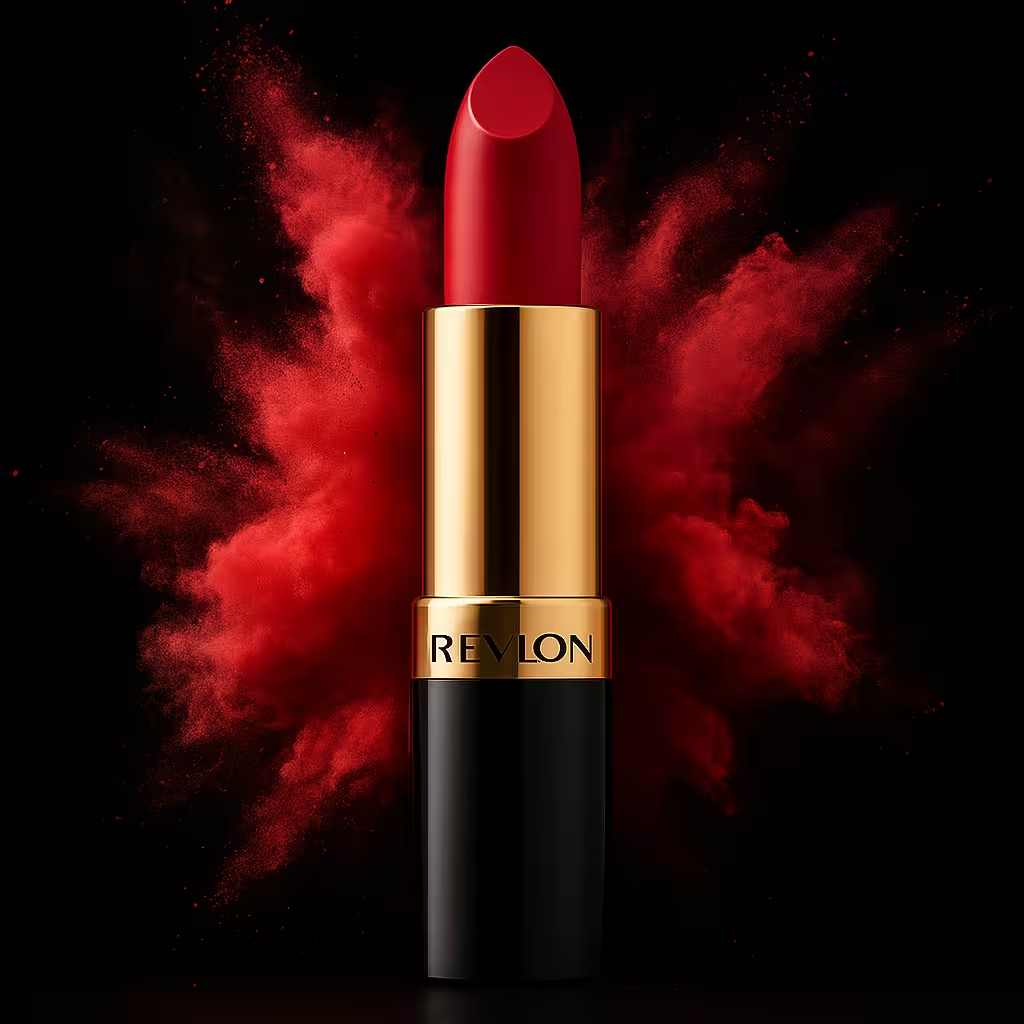
Ultra-closeup of a lipstick captured in rich studio lighting, enhanced with detailed water droplets for a dramatic and luxurious feel. Ideal for beauty and cosmetics brands looking to highlight texture, shine, and moisture in product marketing. Perfect for high-end ads and editorial visuals.

Tips when using this prompt in ChatGPT:

For best results: Use a well-lit product photo with no background. Make sure the full product is visible, not cropped, and that logos and text are sharp and easy to read.
⚠️ If the result doesn’t look right:
● Try using a higher-resolution image.
● Avoid dark, blurry, or tilted photos.
● Center the product more in your original photo.
● Adjust the prompt’s background tone, lighting, or reflections to better match your vision.
Want to change the size from 1:1 square format?
Just replace the phrase 1:1 square format in the prompt with one of these depending on where you’re posting:
● Instagram Post (Feed): 1:1 portrait format.
● Instagram Story: 9:16 vertical format.
● TikTok Video Cover: 9:16 vertical format.
● Facebook Post: 1.91:1 landscape format.
● Pinterest Pin: 2:3 portrait format.
● Website Banner: 16:9 wide format.

Discover more prompts

Premium
Premium

Amber Ascend

Free
Free

Soft Dimension

Free
Free

Autumn Frame

Premium
Premium

Inferno Splash

Free
Free

Pure Comfort

Premium
Premium

Golden Frame

Free
Free

Clean Studio Setup

Premium
Premium

Midnight Ember

Send us a message
We cannot wait to hear from you!
Hey! This is Iman from Flowfy, drop us a message below and we will get back to you asap :)
Thank you! We have received your message. We are looking into this as we speak and will get back to you as soon as possible.
Oops! Something went wrong while submitting the form.